

As digital media continues to evolve, the need for creating high-quality video content quickly has become essential. With so much content being produced, standing out and capturing attention requires speed and efficiency. Enter AI video generation, a revolutionary technology that is changing the way we produce videos. By leveraging artificial intelligence, this technology allows creators to generate professional-quality videos without the need for traditional filming equipment or extensive editing skills.
AI video generation utilizes advanced techniques such as Natural Language Processing, neural networks, and 3D modeling to bring scripts and ideas to life. These tools can transform simple inputs like text, images, or audio into comprehensive video outputs, complete with AI avatars, voiceovers, and subtitles. This not only speeds up the production process but also opens up new possibilities for creativity and storytelling.
The impact of AI on video production is comparable to the transformative effects of the internet on various industries. From automating scriptwriting and storyboarding in preproduction to enhancing editing and visual effects in postproduction, AI is streamlining every aspect of the video production process. As a result, creators can focus more on the creative aspects of their projects, leaving the technical details to the AI.
As we delve deeper into the world of AI-generated videos, it’s essential to understand both the opportunities and challenges this technology presents. By embracing the potential of AI, video creators can unlock a new level of efficiency and innovation, paving the way for stunning visual narratives.
Benefits of Using AI for Video Creation
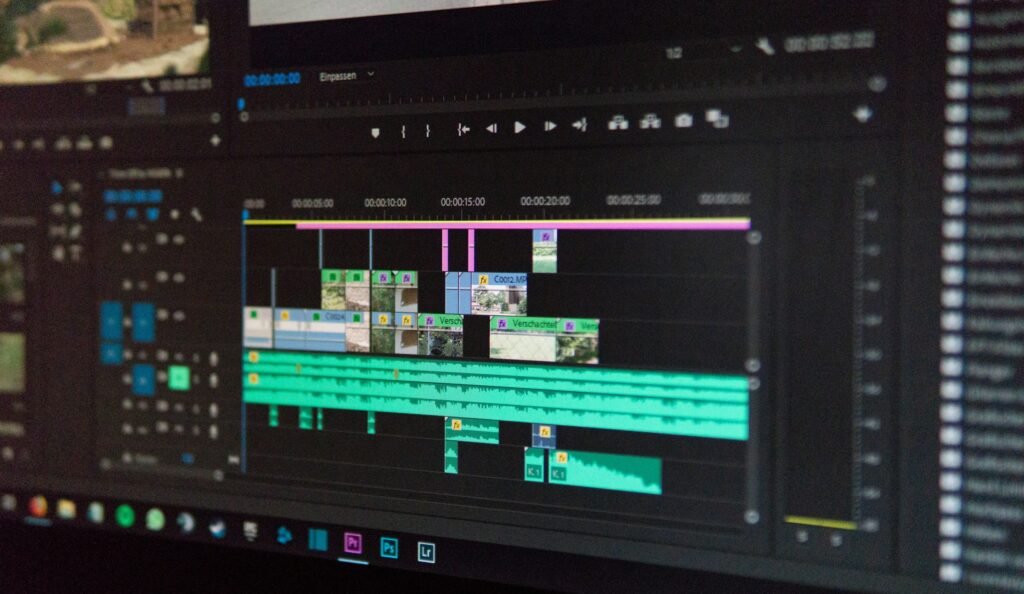
Artificial intelligence is revolutionizing video production by introducing unparalleled efficiency and creativity in the process. One of the most significant advantages is efficiency and time optimization. AI-driven tools can quickly handle tasks like video tagging, transcription, and organizing media files, which were traditionally time-consuming. This rapid processing allows creators to focus more on refining their content rather than getting bogged down in administrative tasks.
Another remarkable benefit is the enhancement of creativity. AI can analyze trends and user preferences to suggest creative content ideas, inspiring creators to push the boundaries of storytelling. Its advanced capabilities in computer vision enable the seamless integration of CGI elements and unique filters into live-action footage, offering new ways to captivate audiences.
AI also excels in personalization. By analyzing audience behavior, AI enables the creation of content tailored to individual interests, increasing viewer engagement and satisfaction. This personalized approach ensures that viewers receive content that resonates with them, leading to higher retention rates and loyalty.
Cost reduction and accessibility are additional benefits that make AI a game-changer in video production. Automation and streamlined workflows lead to significant cost savings, making high-quality video production accessible to creators with smaller budgets. This democratization of technology allows more individuals and teams to produce professional-looking visuals without breaking the bank.
Real-world examples further highlight the financial advantages of AI in video production. Companies like DuPont and Xerox have seen substantial cost reductions and improved efficiency through AI video technologies. AI tools like Synthesia, Lumen5, and Invideo offer affordable subscription plans, allowing businesses to produce high volumes of content efficiently and economically.
AI in video creation offers numerous benefits, including increased efficiency, enhanced creativity, personalized content experiences, and significant cost savings. These advantages make AI an indispensable tool for anyone looking to create stunning, impactful videos.
How AI Video Generation Works

The process of AI video generation is a fascinating blend of cutting-edge technology and creative potential. At its core, AI video generation leverages advanced algorithms and machine learning techniques to automate and enhance various aspects of video production. This technology is designed to streamline the creation process, making it more efficient and accessible for creators of all levels.
One of the primary components of AI video generation is data processing. AI tools can rapidly analyze vast amounts of data, including audio, video, and text, to extract valuable insights. This capability allows for quick video tagging and transcription, significantly reducing the time spent on these traditionally labor-intensive tasks. As a result, producers can focus on refining their content rather than getting bogged down in administrative duties. For instance, AI-driven editing tools can process data rapidly, allowing tasks that used to take hours to be accomplished in minutes, as highlighted by BigVu.
AI-driven tools also utilize computer vision technology to understand and interpret visual content. This enables the seamless integration of CGI elements and special effects into live-action footage, opening up new possibilities for creative storytelling. By analyzing user preferences and trends, AI can suggest innovative content ideas, helping creators stay ahead of the curve. This enhanced creativity is a significant advantage, as it allows for the application of unique filters and storytelling techniques.
Another critical aspect of AI video generation is personalization. AI algorithms can analyze viewer behavior and preferences, allowing creators to tailor content to individual interests. This personalized approach not only enhances viewer engagement but also increases satisfaction, as audiences receive content that resonates with them. The ability to create personalized content experiences leads to increased viewer engagement, as noted in the BigVu article.
Furthermore, AI video generation includes automated editing. AI can intelligently select and arrange video clips, apply filters, and even generate scripts, reducing the time required for these tasks. This automation is particularly beneficial for businesses operating on tight schedules, enabling them to produce high-quality videos quickly and efficiently. For example, companies like Synthesia have demonstrated how AI can save significant time and costs in video production.
AI video generation works by harnessing the power of data processing, computer vision, and machine learning to create engaging, tailored content. By automating tedious tasks and offering creative insights, AI empowers creators to focus on storytelling while ensuring efficient production workflows.
Best AI Tools for Generating Videos

As the demand for video content continues to rise, leveraging AI tools for video generation is becoming increasingly popular. These tools not only speed up the creation process but also enhance the quality and creativity of the content produced. Here’s a look at some of the top AI tools available in 2024, each catering to different needs and skill levels.
Runway stands out as a powerful generative AI video tool, offering advanced features for those willing to navigate its steep learning curve. With a free plan that includes 125 credits, it’s ideal for creators looking to experiment with AI-driven video concepts.
Descript is perfect for those who prefer editing by modifying scripts. Its intuitive controls and transcription features make it a favorite among content creators, with a free plan offering one hour of transcription.
For traditional video editing with a modern twist, Wondershare Filmora integrates AI features like smart cutout and audio denoise. While its free plan includes a watermark, it provides a comprehensive suite of editing tools suitable for beginners and professionals alike.
Capsule is designed to simplify video production workflows, making it easier for teams to collaborate and produce content. Its free plan allows up to three video exports, catering well to small businesses and startups.
Focusing on social media, Fliki helps create engaging short videos. Though the free version is limited to five minutes per month with a watermark, it’s a great tool for those prioritizing quick and dynamic content.
Lastly, Visla offers a variety of AI tools, with a free plan that includes 1,000 credits per month. It’s suitable for creators looking for versatile solutions in their video production arsenal.
One excellent resource to explore is the AI Directory, a comprehensive listing of some of the top AI video tools available on the market. This platform curates a wide range of video creation tools, from those specializing in animation to those focusing on video enhancement, making it easy to find the right tool for your needs. Whether you’re a beginner looking for easy-to-use software or a professional seeking advanced features, AI Directory offers a well-organized selection to help you find the perfect fit.
Step-by-Step Guide: How to Generate a Video with AI

Creating videos with AI has never been easier, thanks to advanced tools like Synthesia. Whether you’re a beginner or a seasoned video creator, this step-by-step guide will help you produce stunning AI-generated videos effortlessly.
1. Create a New Video: Begin by logging into your chosen AI platform, such as Synthesia. Opt to start from scratch or leverage one of the 55+ professionally-designed templates available. These templates cater to various needs, including training, marketing, and explainer videos.
2. Paste in Your Script: Transform your ideas into a script, and paste it into the platform’s script box. Synthesia allows you to upload documents like PDFs or Word files, which can then be turned into a video script scene by scene. The AI will generate a text-to-speech voiceover, offering narration in over 140 languages.
3. Choose an AI Avatar: Personalize your video by selecting from over 230 diverse AI avatars. These avatars serve as your video narrators, and you can adjust their size and position to fit the visual style of your project.
4. Edit the Video: Add your creative touch by incorporating images, background videos, screen recordings, and animations. You can enhance your video further with background music and text, all within the platform’s editing features, eliminating the need for external tools.
5. Generate the Video: Once satisfied with your edits, click ‘Generate video’. The platform will process your video through content moderation, ensuring quality and compliance. Afterward, you can view, share, download, or embed your video seamlessly.
Following this guide, you can create professional-quality AI-generated videos that engage and captivate your audience. Each step is designed to streamline the creation process, allowing you to focus on delivering compelling content.
Tips for Creating High-Quality AI Videos
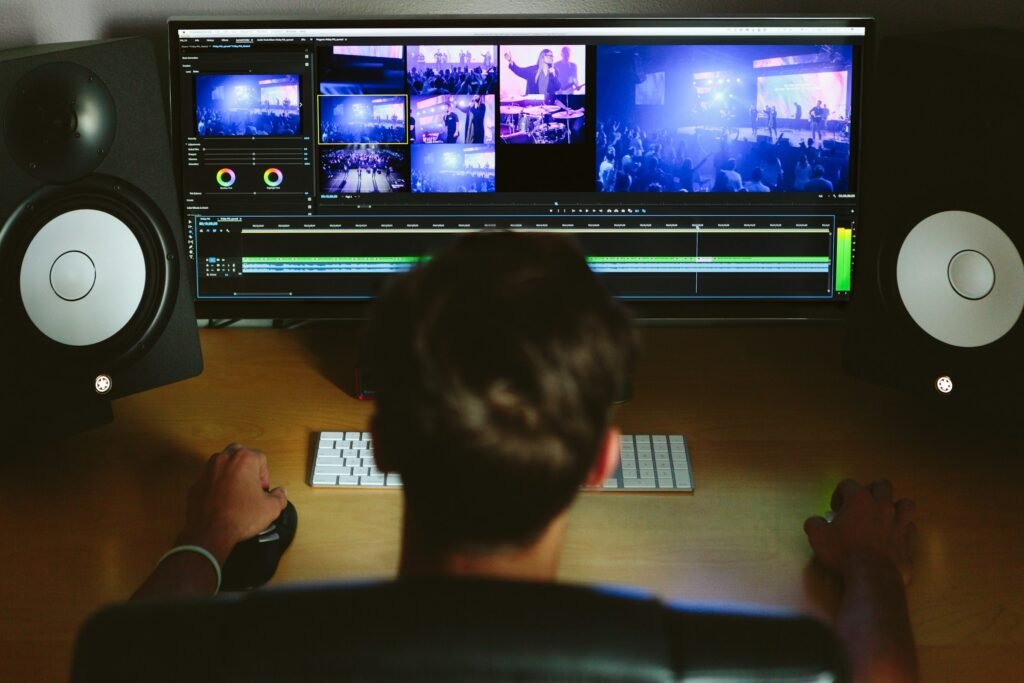
Creating high-quality AI videos involves more than just pressing a button; it requires thoughtful consideration of numerous elements to ensure your content stands out. Here are some expert tips and strategies to enhance the quality of your AI-generated videos.
One of the most effective ways to improve video quality is by using advanced video enhancers like PowerDirector. This tool provides features such as color correction, audio editing, and video stabilization, which can significantly enhance the visual appeal and professionalism of your videos. For those on-the-go, the PowerDirector App offers similar capabilities, ensuring you can edit and enhance your videos anywhere.
Investing in AI color correction tools like Vivid Glam can also make a significant difference, especially for videos shot in suboptimal lighting conditions. These tools allow you to retouch and correct colors with ease, enhancing the overall aesthetic of your video content.
Incorporating slow-motion effects can add a dramatic flair to your videos. Tools such as Topaz Video AI excel at producing smooth slow-motion scenes and upscaling video resolution, which can make your content more engaging and impactful.
For videos that focus on individuals, using facial recognition features like those offered by AVCLabs Video Enhancer AI can enhance facial details, ensuring clarity and focus on the subject matter.
It’s also essential to choose the right software based on your skill level and needs. While Adobe Premiere Pro is ideal for advanced users due to its extensive editing capabilities, beginners might prefer user-friendly options like HitPaw Video Enhancer, which offers one-click solutions for video upscaling.
Finally, always consider your budget and the specific features you need. Whether it’s ease of use, comprehensive editing tools, or the ability to handle various video quality issues, choosing the right AI video enhancer is crucial to producing high-quality content.
Common Challenges in AI Video Creation and How to Overcome Them

Creating videos with AI offers exciting possibilities, but it’s not without its hurdles. Understanding these challenges and knowing how to tackle them can make the journey smoother and more rewarding.
One of the most prevalent issues is the quality of output. AI-generated videos can sometimes appear uncanny or unpolished, affecting the brand’s visual continuity. To combat this, it’s crucial to use high-quality input materials and leverage advanced AI tools like Generative Adversarial Networks (GANs) to produce more realistic results.
Another challenge is the limitations in complexity. Current AI tools often struggle with producing longer or more intricate video clips, limiting their use in comprehensive projects. Creators should focus on shorter segments, ensuring each is well-crafted before attempting to piece them together into a longer narrative.
There are also scripting constraints due to the length limits of text generators, which can hinder storytelling. A practical approach is to blend human creativity with AI efficiency. Use AI to generate initial ideas and outlines, then refine and expand these with human input to create a complete script.
Legal concerns pose another significant challenge. The use of copyrighted materials in AI training and potential misuse of individuals’ likenesses can lead to legal issues. It’s essential to stay informed about copyright laws and seek legal guidance when necessary to ensure compliance and protect your brand.
Creators may also face public backlash if their audience perceives AI-generated content as lacking human touch. To mitigate this, be transparent about using AI and highlight the human elements involved in the creation process. This can help maintain audience trust and engagement.
Lastly, integration challenges can arise when incorporating AI into existing workflows. Creators should adopt a strategic approach, gradually integrating AI tools and ensuring team members are adequately trained to use them effectively.
By addressing these challenges with informed strategies and solutions, creators can harness the power of AI to produce stunning videos that captivate audiences and enhance brand representation.
Conclusion: Embracing the Power of AI in Video Production
As we wrap up this guide on creating AI-generated videos, it’s clear that the integration of AI in video production offers immense potential. Embracing AI’s capabilities allows creators to push the boundaries of creativity, streamline production processes, and produce content that captivates audiences.
AI tools have the power to transform traditional video creation methods. They enable faster turnaround times and allow for experimentation with innovative styles and formats. Moreover, AI can handle repetitive tasks, freeing up human creators to focus on strategic and creative aspects.
However, success in AI video production depends on understanding and overcoming its challenges. From ensuring high-quality outputs and addressing legal concerns to managing public perception and integration hurdles, effective strategies are essential. Leveraging advanced tools and maintaining ethical standards can enhance the quality and acceptance of AI-generated content.
The future of video production lies in the harmonious collaboration between AI and human creativity. By embracing this synergy, creators can not only meet the demands of modern audiences but also elevate their storytelling to new heights. As AI continues to evolve, its role in video production will undoubtedly expand, offering even more exciting opportunities for creators around the globe.